Carrier Invitation:
The first step in scheduling appointments with a facility in BiggerPicture involves the warehouse user sending an email invitation to the carrier's point of contact.
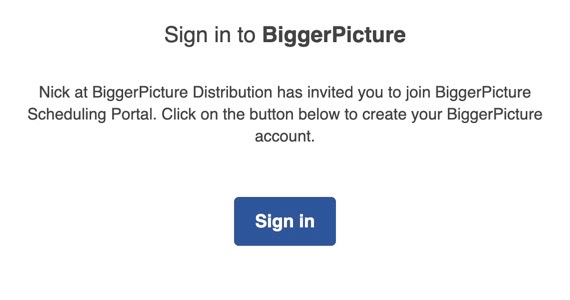
To create a new Carrier account, click on the 'Sign In' button provided in the email and select the account type for your organization.
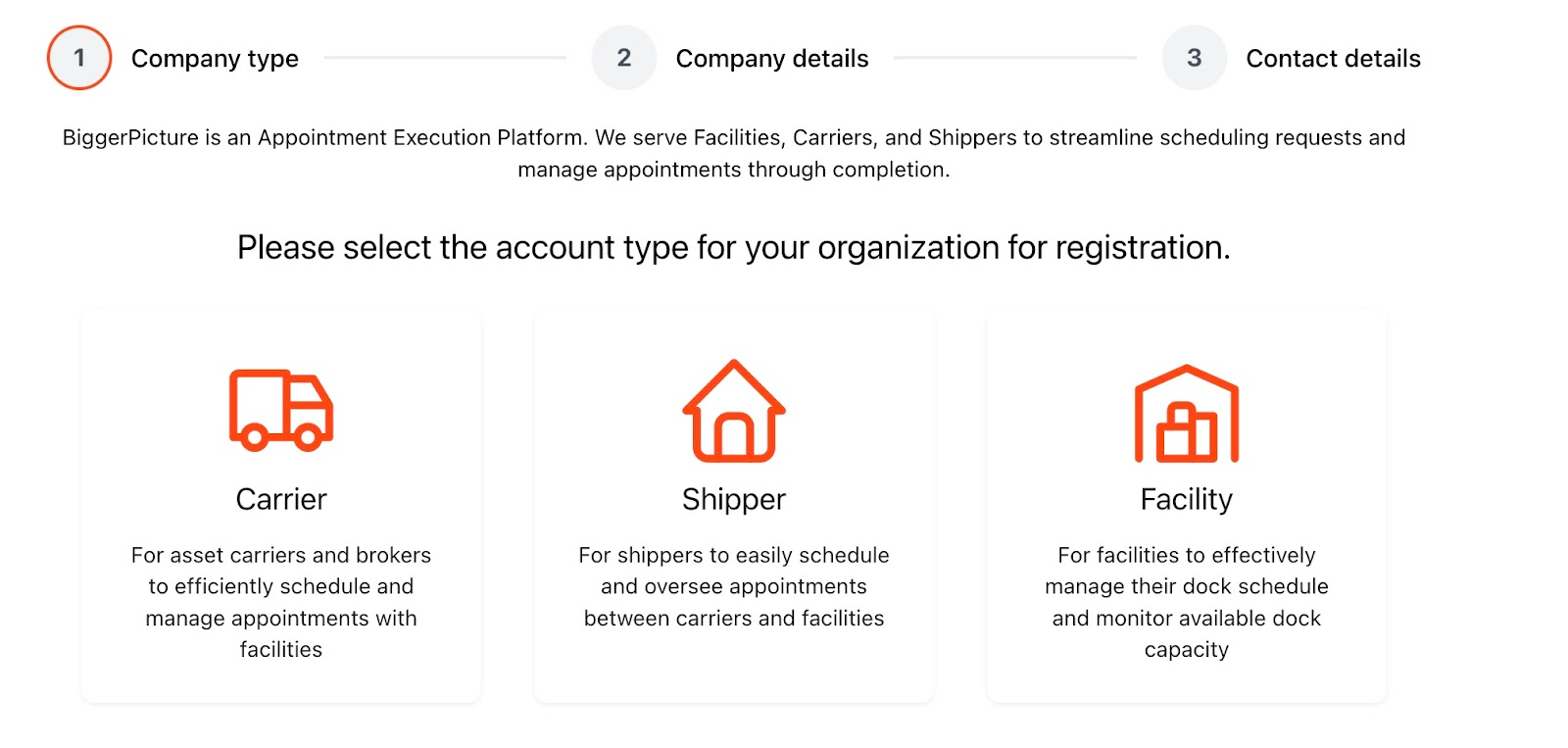
Enter Company Details:
When setting up a carrier account, you will be asked to provide the following company information:
Name of Company
Address
Website
Phone Number
- Organization type (Broker, Asset, Broker & Asset)
SCAC, a unique 2-4 letter code
USDOT #, required based on state regulations
Motor Carrier (MC) #, a 6-digit number assigned by the FMCSA if crossing state borders
Create Profile
In the final step of completing your carrier account, you will be prompted to provide the following contact information:
First & Last Name
Contact Email
Signature Details
By default, email notifications for appointments and the 24-hour check-in process will be enabled. However, during the account creation process, you have the choice to disable these notifications if desired.
Was this article helpful?
That’s Great!
Thank you for your feedback
Sorry! We couldn't be helpful
Thank you for your feedback
Feedback sent
We appreciate your effort and will try to fix the article