How do I view only my orders?
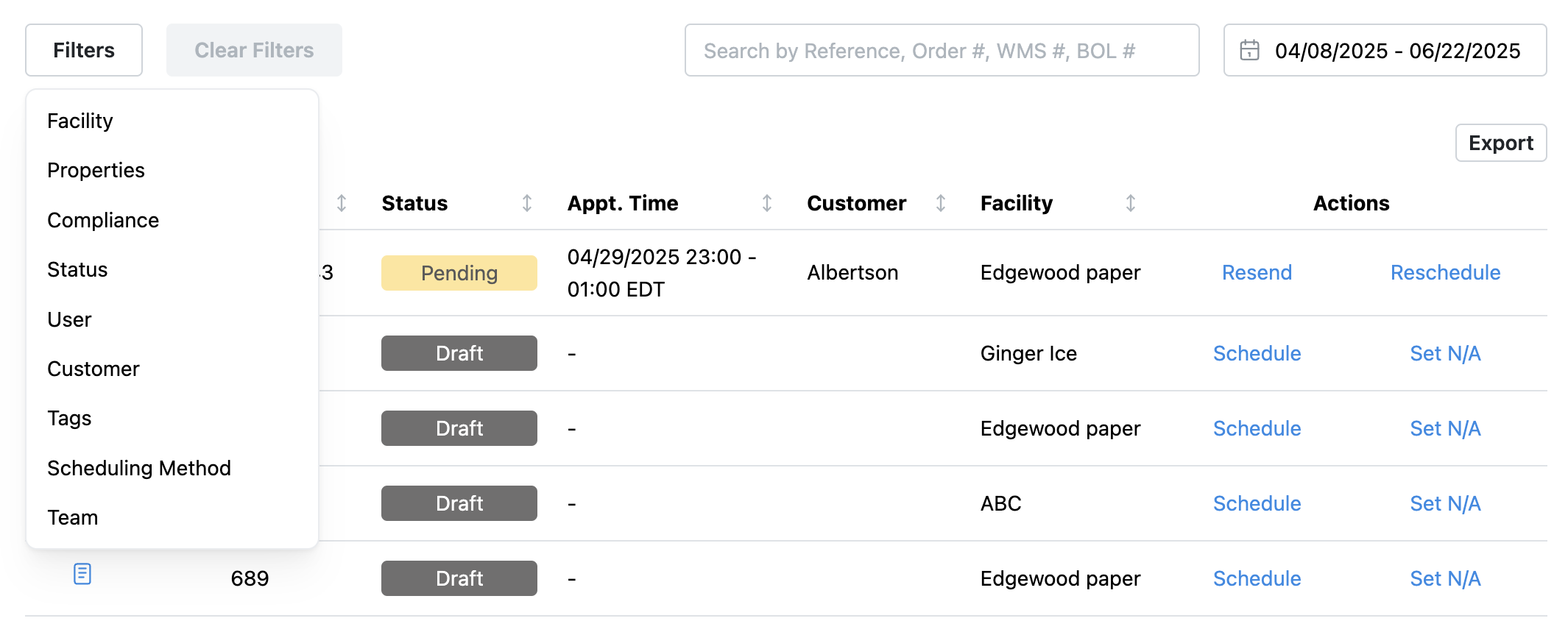
Use the filters on the appointment page and dashboard to customize your view.
Filters include:
- Facility
- Appointment Properties
- Complaince
- Status
- User
- Customer
- Tags
- Scheduling Method
- Team
OrderNumber Required:
Our system requires an order number do to email templates and workflows. If you do not have an order number, add your load ID.
Can we customize the email template so a time isn’t required?
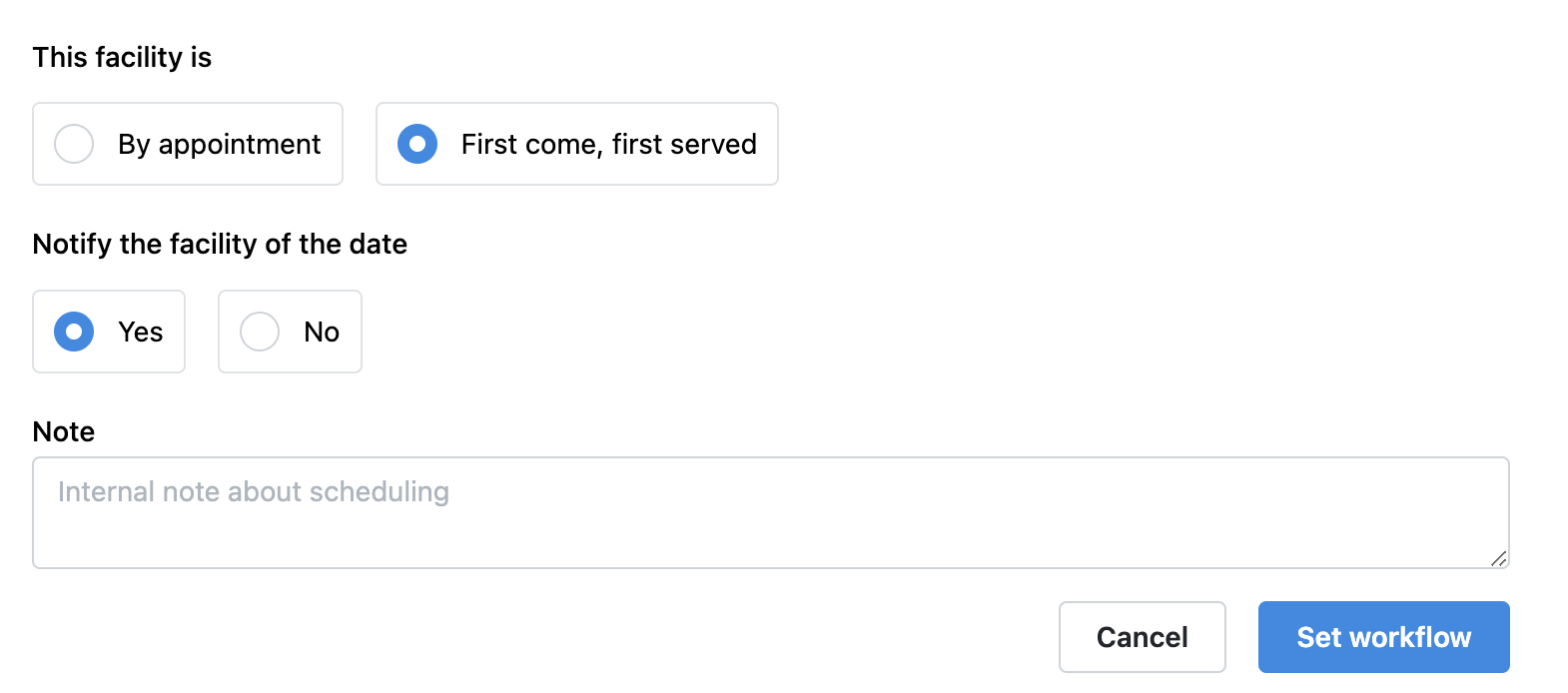
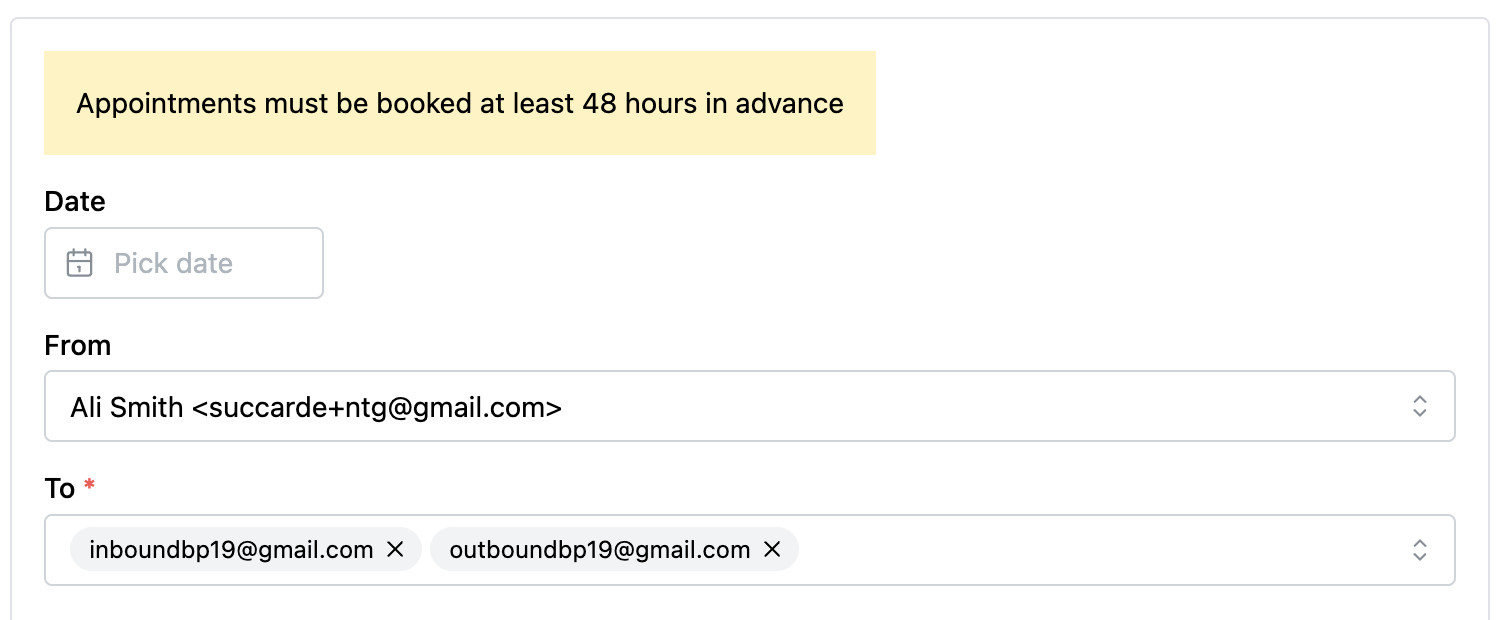
Yes. If a time is not needed for scheduling, you can customize your workflow to reflect that. Set the facility to FCFS (First Come, First Serve) and mark 'Notification Required' in the scheduling workflow. This ensures the shipment is communicated without requiring a specific appointment time, preventing the need to enter placeholder times like "00:00."
How do I change the Appt from Live to Drop?
Edit the appointment details in BiggerPicture. This will update the appointment type and request with 3rd party portals.
Update Live/Drop Status
How to add a document after the original appointment request:
To add a new attachment, you would edit the stop information. This would be for both the app and the side panel.
Was this article helpful?
That’s Great!
Thank you for your feedback
Sorry! We couldn't be helpful
Thank you for your feedback
Feedback sent
We appreciate your effort and will try to fix the article